
Oct 27, 2026Services Overview
Why Is My Wireless Charger Slow?
8 Common Reasons and How to Fix Them Wireless charging has become an everyday convenience. Simply place your phone on the charger and power begins to flow—no cables required.
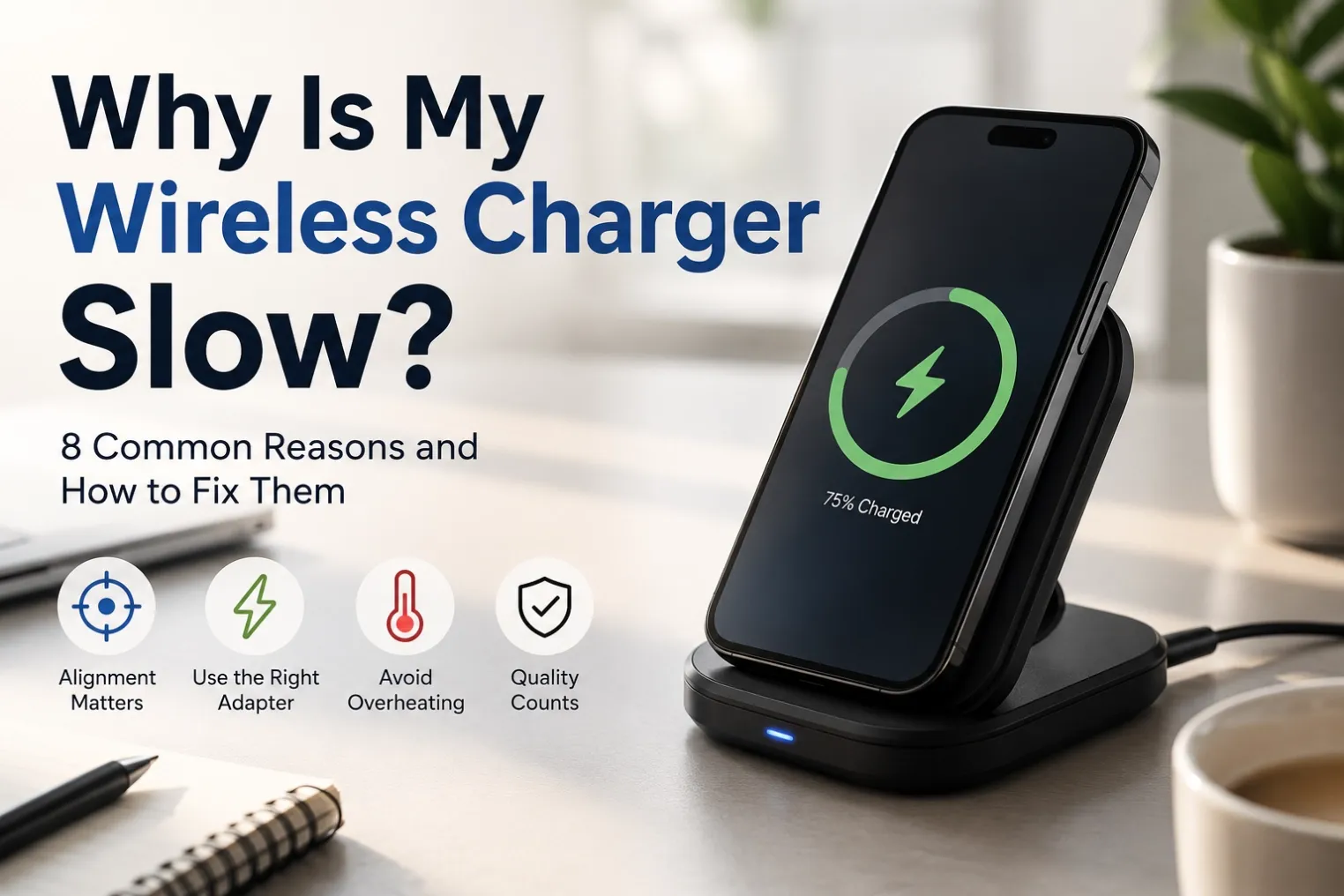
8 Common Reasons and How to Fix Them
Wireless charging has become an everyday convenience. Simply place your phone on the charger and power begins to flow—no cables required.
But sometimes charging feels much slower than expected.
If you've ever wondered "Why is my wireless charger so slow?", you're not alone. Here are the most common reasons and practical solutions.
- Your Phone Isn't Properly Aligned
Wireless charging relies on magnetic induction between two charging coils.
If the coils don't line up correctly, charging efficiency drops significantly.
Solution
Reposition your phone.
Use magnetic alignment (Qi2/MagSafe compatible chargers).
Remove thick phone grips that prevent proper contact.
- You're Using an Old Qi Charger
Not all wireless chargers provide the same charging speed.
Typical maximum outputs:
Standard | Maximum Power |
|---|---|
Qi | 5W–15W |
Qi2 | Up to 15W with magnetic alignment |
Qi2.2 (new generation) | Higher efficiency and faster charging |
Older 5W chargers can feel extremely slow compared with modern Qi2 models.
3. The Power Adapter Isn't Strong Enough
Many users focus on the charger but ignore the adapter.
For example:
5W USB adapter → slow charging
10W adapter → limited performance
20W–30W PD adapter → recommended
A wireless charger can only deliver the power supplied by its adapter.
4. Thick Phone Cases Reduce Efficiency
Wireless charging works through non-metallic materials, but thick cases reduce efficiency.
Especially problematic are:
- Metal cases
- Wallet cases
- Ring holders
- Very thick silicone cases
Removing the case often improves charging speed immediately.
5. Your Phone Gets Too Hot
Heat is one of the biggest enemies of wireless charging.
When the phone temperature rises, it automatically reduces charging speed to protect the battery.
Common causes include:
- Gaming while charging
- Watching videos
- Direct sunlight
- Poor ventilation
Let the phone cool down for faster charging.
6. Background Apps Consume Too Much Power
If your phone is using nearly as much power as it's receiving, charging appears slow.
Examples include:
- Video streaming
- Mobile games
- GPS navigation
- Video calls
Airplane Mode or closing unnecessary apps can noticeably improve charging speed.
7. Your Phone Doesn't Support Fast Wireless Charging
Not every smartphone supports 15W wireless charging.
Some budget models only support:
- 5W
- 7.5W
- 10W
Always check your phone's specifications.
8. Your Wireless Charger Is Low Quality
Cheap chargers may advertise high wattage but fail to deliver stable performance.
Look for chargers with:
- Qi certification
- Qi2 certification
- Temperature protection
- Foreign object detection
- Over-voltage protection
- Reliable power management
Quality hardware provides safer and more consistent charging.